
See All

7 Best Electronic Health Records (EHR) for Psychologists
Updated August 2026. Choosing an EHR depends on the size of your practice, how you bill, and which clinical and administrative workflows matter most. Below, we compare seven options across pricing, features, strengths, and trade-offs.
Author

Reviewed By
Share This
As a psychologist, you handle a lot of paperwork every week. You collect a client’s medical history, review intake forms, write therapy intake notes, and develop treatment plans.
If you take insurance, you also deal with billing codes, claims, and follow-ups when payments lag. All of this work matters, but it can eat up valuable time that you would rather spend on client care.
That is where an electronic health record (EHR) system for psychologists can help. It lets you store patient records in one place, track care over time, and manage insurance billing with less stress.
This article lists the best EHR platforms for psychologists. We'll cover their essential features, pros, and cons to help you choose the right EHR system.
While EHRs help you record diagnoses, organize assessments, and maintain patient charts, they do not write diagnostic report narratives. Psynth fills that gap by turning test results, intake data, and supporting files into polished diagnostic reports in minutes. Try Psynth for free today, then use it alongside one of the EHRs below to streamline your clinical workflow.
What’s in This Guide
8. The Importance of Using EHR Systems
9. How to Choose the Best EHR Software for Psychologists
10. Use EHRs With Psynth to Write Psychological Reports Faster
11. Frequently Asked Questions
1. SimplePractice

SimplePractice is an all-in-one EHR system for psychologists. It keeps every client record in one place, including intake forms, consent files, progress notes, and treatment plans. It also manages medication and tracks the patient's progress.
The built-in AI note taker is a standout feature. It listens and transcribes sessions in the background to help you save time.
SimplePractice also works as full practice management software. It handles scheduling, billing, insurance, and documentation on a single dashboard. This reduces administrative tasks, allowing you to focus on managing and growing your psychological practice.
On top of these benefits, SimplePractice offers an integrated telehealth platform. It includes client engagement tools (screen sharing, secure chat, and a digital whiteboard) to help you provide care from anywhere.
Best For: Solo and small private practices that want a polished, broadly integrated EHR and practice-management workflow.
Starting Price: $49 per month for Starter. Essential is $79 per month and Plus is $99 per month. Note Taker and ePrescribe are optional add-ons.
Key Features:
- AI-powered note taker: Artificial intelligence writes psychologist notes from audio or dictation.
- Therapy documentation: Access a large library of customizable intake forms, therapy notes, and psychosocial assessments.
- Insurance and billing integration: File insurance claims, take payments, and track balances in one place.
- Scheduling and appointment reminders: The EHR system supports online booking, recurring visits, and automated reminders.
- Client portals: Empower clients to send messages, manage documents, and pay for their appointments.
- Secure messaging: Messages and other sensitive patient data remain private inside the portal.
- Telehealth integration: Host virtual therapy sessions from anywhere.
Pros:
SimplePractice provides a single, user-friendly hub for notes, scheduling, billing, and telehealth. This reduces the need for multiple platforms and eliminates data silos.
It also comes with an EHR mobile app. This helps you remotely operate your solo or group practice.
Cons:
Costs can rise with Note Taker at $35 per clinician per month, ePrescribe at $49 per clinician per month plus an $89 setup fee, additional clinicians, claims, and payment processing.
Higher tiers include larger claim allowances and more group-practice capabilities, so practices should compare the full plan rather than the headline price.
Per-clinician charges can become costly as a team grows.
2. TherapyNotes
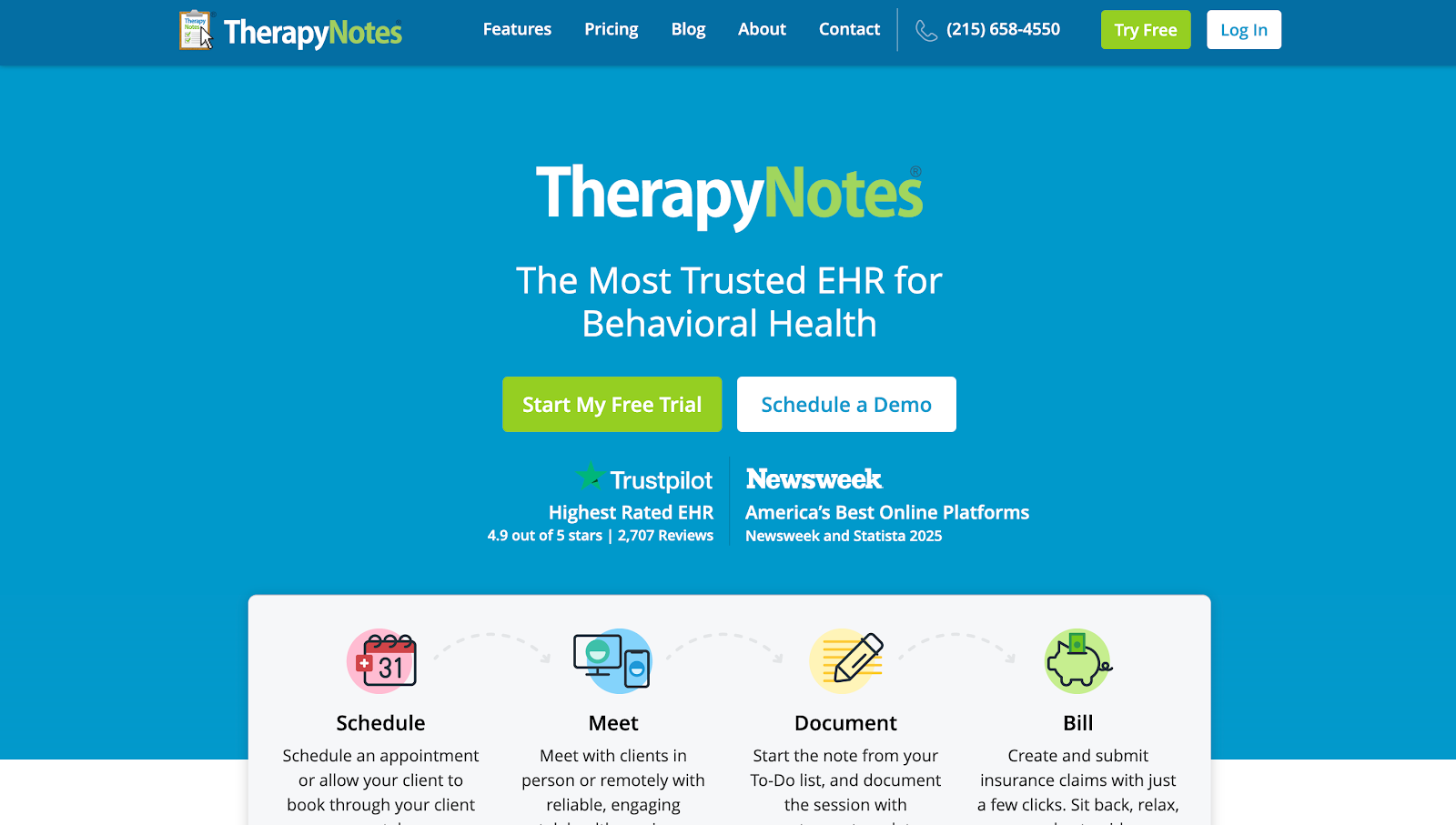
TherapyNotes is a behavioral health EHR system designed for psychologists and other mental health professionals.
It offers integrated scheduling tools, document management features, telehealth options, and billing systems all in one platform.
The scheduling system allows you or the client to book their appointment through a patient portal. It syncs with your calendar to avoid duplicate bookings or missed sessions. It also sends automated reminders via text or email.
Meanwhile, the document management tool stores all client records in a secure and accessible place. Every file is available to download for easy printing or faxing from wherever you are.
There's also an integrated telehealth platform that supports secure, online video appointments. It provides access to a virtual waiting room, a unique guest link, and screen-sharing features.
For billing, TherapyNotes integrates payment posting, billing reports, superbills, and electronic insurance claims in one place. These help you save time and get paid faster.
Best For: Solo clinicians and behavioral-health practices that want structured documentation, insurance billing, claims workflows, and native telehealth in one EHR.
Starting Price: $69 per month for one Solo user. Group starts at $79 per month for the first clinician plus $50 per month for each additional clinician. Claims, eligibility requests, Premium Telehealth, ePrescribe, and AI documentation may add cost.
Key Features:
- Scheduling tools: Book appointments, manage calendar availability, and handle cancellations.
- Document management: Store and organize intake forms, notes, and files inside each client's chart.
- Integrated telehealth: Schedule a secure virtual session to provide patient care from anywhere.
- Billing systems: File insurance claims, print superbills, track balances, and accept card payments.
- Client portal: Patients can submit forms, pay bills, and request sessions online.
- Medication management: Manage patient medications and send prescriptions through the ePrescribe tool.
- Outcome tracking: Score assessments and track the client's progress.
Pros:
TherapyNotes stands out for its customization options and user-friendly interface.
The learning curve is minimal to none. But in case you need help navigating the software, you can access over 150 articles of detailed guides and simple tutorials.
The EHR system is also known for its responsive customer support team. It offers unlimited phone and email assistance with a dedicated queue for Spanish‑language support.
Cons:
Electronic claims, ERAs, and eligibility requests carry usage fees, while several advanced features are paid add-ons.
Basic telehealth is limited to two participants and standard-definition video; larger or more advanced sessions require Premium Telehealth.
Some reviewers find the interface less modern or flexible than newer alternatives.
3. Sessions Health

Sessions Health is a cloud-based EHR built for psychologists and other mental health providers in private practice.
It lets you track client records from a single dashboard to keep your practice organized. These include user demographics, contacts, appointment history, diagnosis, treatment plans, billing, and to-do items.
Sessions Health also syncs with your Google Calendar and other external calendars. It offers scheduling tools and appointment reminders to reduce no-shows or late cancellations.
Its EHR system even includes mental health note templates plus customizable tools to build your own forms. This ensures accurate, detailed documentation that aligns with your clinical approach.
Plus, the integrated billing and payments feature automatically creates invoices to ensure you get paid faster.
Best For: Solo and small practices that want transparent pricing, customizable documentation, and an inexpensive path from a few clients to an unlimited-client plan.
Starting Price: Free for one practitioner with up to three active clients. Professional starts at $39 per month for the first practitioner, with additional practitioners at $29 per month each.
Key Features:
- Document storage: Track and organize all documents from a web-based dashboard that you can access via computer, phone, and tablet.
- Online booking: Schedule appointments on your own or allow clients to book their appointments.
- Calendar syncing: Use one-way or two-way calendar sync features to avoid double-bookings or missed appointments.
- Billing automation: Create invoices and collect online payments in one platform.
- Custom forms: Use form builder tools to tailor client onboarding and note templates.
- Client portal: Empower patients to schedule appointments, complete paperwork, and sign consent forms in a secure portal.
- Secure messaging: Communicate with clients within a HIPAA-compliant environment.
Pros:
Sessions Health offers a free plan that handles up to three clients, making it suitable for solo practitioners.
If you have a larger practice, the paid plan is still relatively affordable since it includes unlimited clients.
This EHR system also enables clinical administrators to invite other mental health practitioners. Plus, an additional "Supervisor" role enables signing off on clinical notes.
Cons:
Telehealth, AI Assist, claims, and eligibility reports cost extra.
Compared with larger EHR suites, some workflows may feel relatively basic, although the platform does support customizable forms and note templates.
The free plan ends once the practice exceeds three active clients or adds another practitioner.
4. Qualifacts
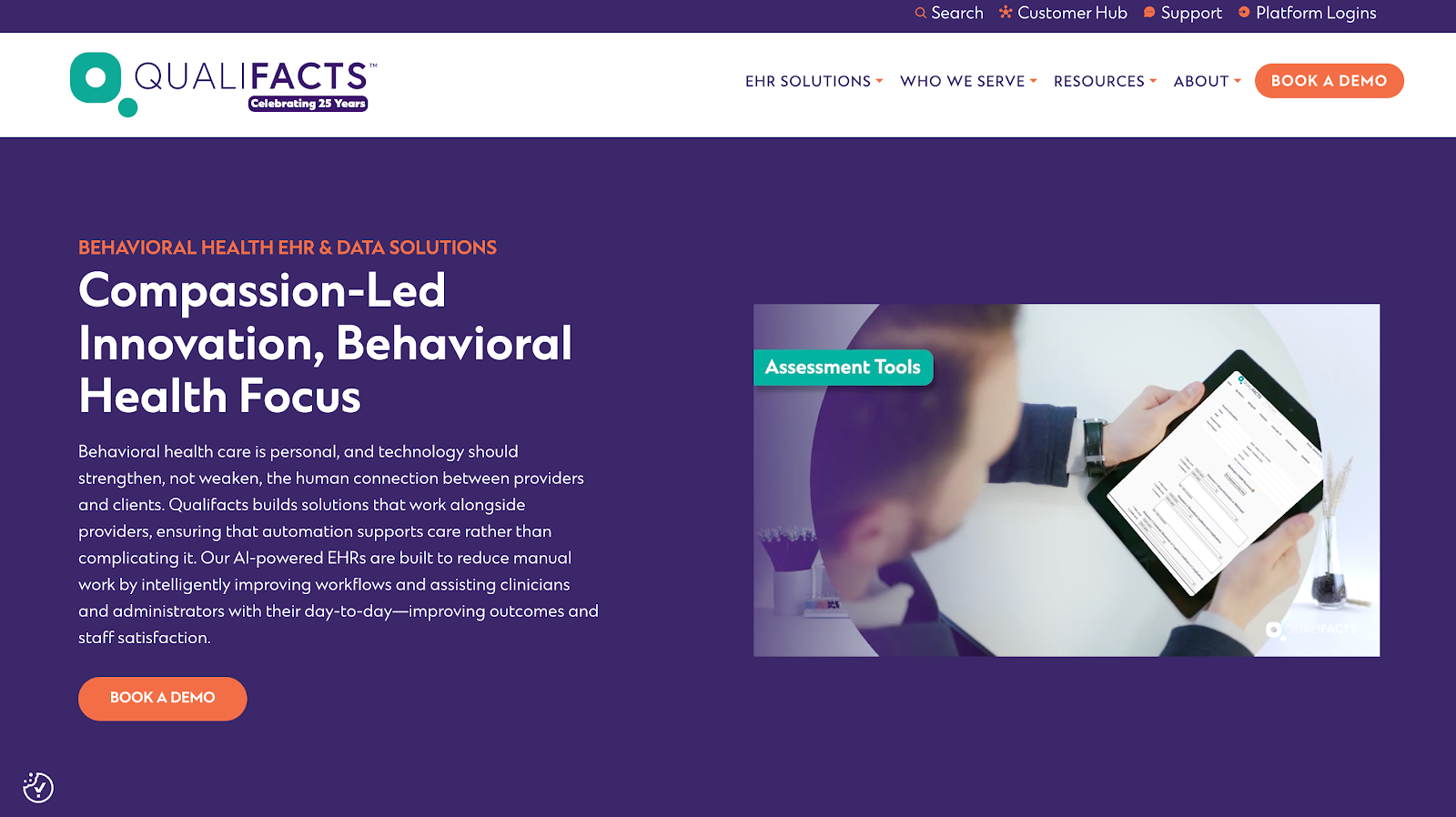
Qualifacts offers two behavioral health EHR systems that many psychologists use in large or fast-growing settings.
Qualifacts InSync is the core cloud EHR solution made for small to mid-size behavioral health practices. It integrates charting, client profiles, scheduling, and billing into one system. This helps you track care without jumping between tools.
Qualifacts iQ is the latest product offering that uses ISO 42001-certified artificial intelligence. It automatically generates formatted notes tailored for in-person and telehealth sessions.
It also helps with everyday tasks, such as finding records faster, scheduling appointments, tracking progress, and answering the client's questions. This significantly improves your operational processes, so you can focus on providing mental health care.
Best For: Mid-size to large behavioral-health and human-services organizations that need enterprise clinical, billing, reporting, and operational workflows.
Starting Price: Custom quote. Qualifacts does not publish self-serve pricing; costs depend on the product, modules, organization size, users, and implementation.
Key Features:
- API weblink: Enable patients to complete documentation, enter insurance details, and schedule their appointments through a secure link.
- Integrated billing engine: Automate the billing process and apply the right ICD codes to appointments.
- Custom treatment plans: Outline diagnoses, proposed treatments, expected durations, and session goals.
- Smart documentation: Use ambient listening intelligence to generate fully formatted notes.
- AI assistant: Answer questions and locate documentation in the knowledge base within seconds.
- Task automation: Let the AI handle client scheduling, billing, and other admin tasks to save time.
- Integrated telehealth: Conduct virtual therapy sessions for groups of up to 50.
- iQ Agent: for Scheduling uses chat-based, natural-language prompts to automate complex appointment coordination. Qualifacts currently lists it for Credible customers.
Pros:
Qualifacts works well for psychologists and other behavioral health professionals who regularly conduct group therapy sessions. The integrated telehealth feature lets you virtually meet with up to 50 clients at once, regardless of location.
This EHR system is also fully customizable. Qualifact's team will work with you to develop specialized workflows and dashboards that meet your organization’s unique needs.
Cons:
Quote-based pricing and enterprise implementation make budgeting and launch less predictable than with self-serve EHRs.
Setup, training, and workflow complexity may be excessive for solo clinicians and very small practices.
Some CareLogic and Credible reviewers report manual billing or reporting work and limits in module customization; experiences vary by product and configuration.
5. TheraNest by Ensora Health
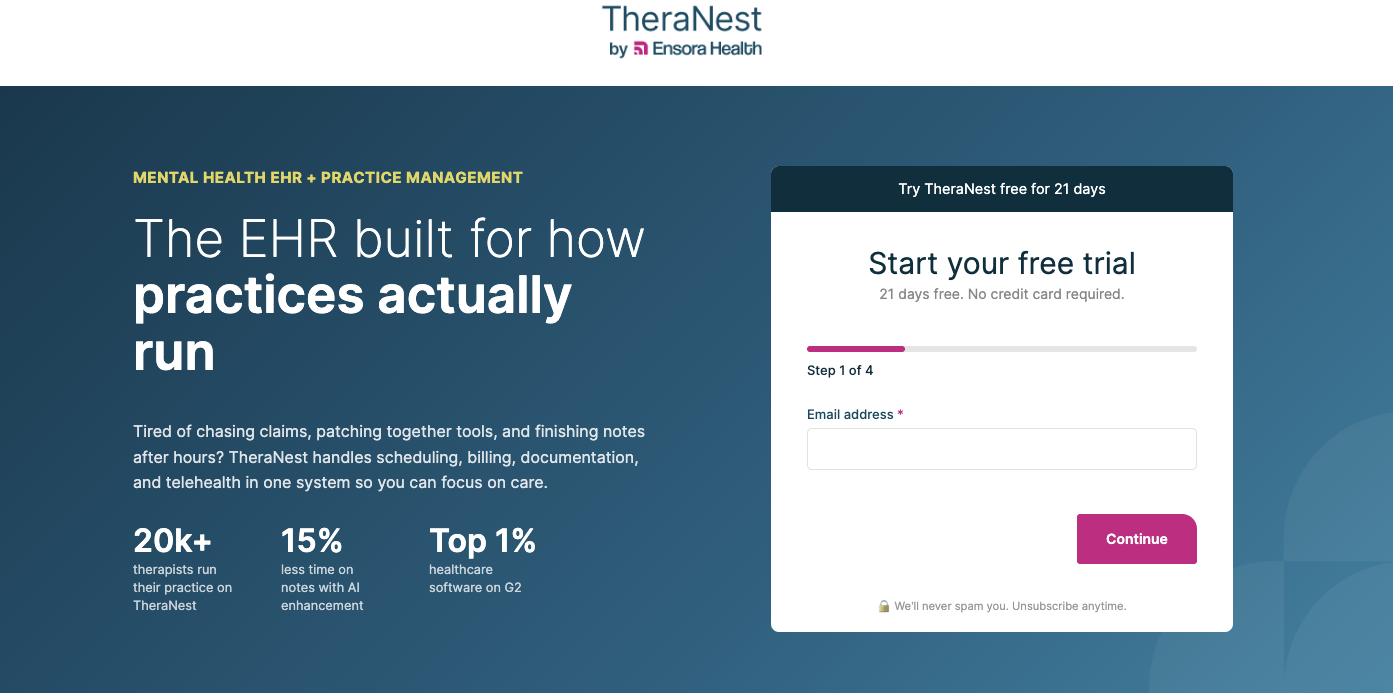
TheraNest is a mental-health EHR and practice-management platform from Ensora Health, the company formerly known as Therapy Brands. It brings scheduling, client intake, clinical notes, billing, client-portal communication, and reporting into one browser-based system. Optional telehealth and newer Ensai AI documentation tools extend the core workflow.
Best For: Solo clinicians and small-to-midsize mental-health practices that want per-therapist pricing and room to add more advanced insurance automation as they grow.
Starting Price: $29 per therapist per month for Essentials with monthly billing. Annual billing currently displays $27 per therapist per month. Optional features, extra administrators, and other disclosed fees may add cost.
Key Features:
- Scheduling, recurring appointments, reminders, and calendar tools
- Secure client portal with intake forms, messaging, payments, and appointment requests
- Clinical notes and forms, with greater customization on higher tiers
- Claims and ERA workflows, with automation varying by plan
- Ensai Session Assistant for AI-generated progress-note drafts
Pros:
Transparent per-therapist pricing and a 21-day trial
Clinical, scheduling, portal, and billing workflows in one mental-health-focused platform
Cons:
Telehealth, e-prescribing, revenue-cycle services, extra administrators, and other features may add cost.
Some reviewers report a learning curve or difficulty finding certain functions.
6. ICANotes
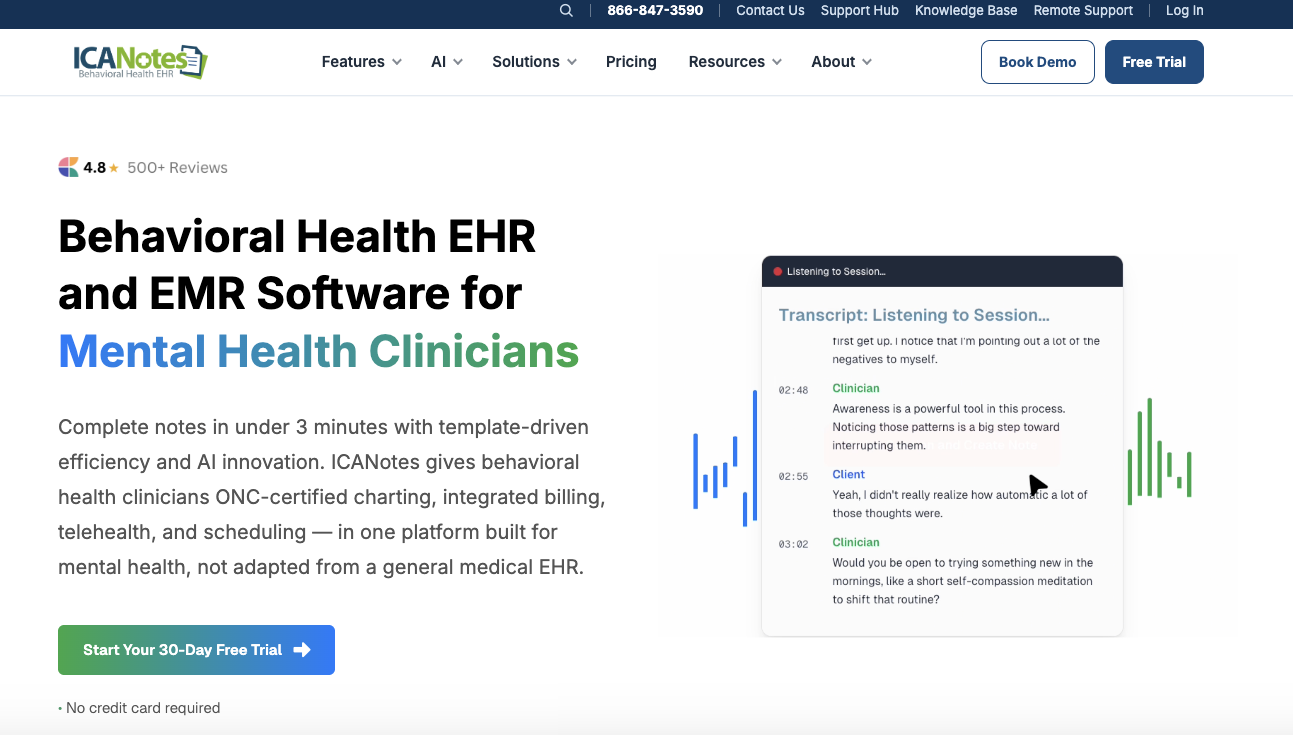
ICANotes is a behavioral-health EHR built around structured clinical documentation. Its templates, assessments, treatment plans, prescribing, billing, scheduling, telehealth, and patient-portal tools support therapy and psychiatric workflows.
Best For: Behavioral-health practices that need structured psychiatric documentation, integrated assessments, or prescribing workflows.
Starting Price: Monthly plans currently start at $55 for Notes Only and $75 for Non-Prescribing. Prescribing is $213 per month plus a $99 activation fee. Lower annual-billing equivalents carry plan-specific note limits, so compare the billing cadence and allowances carefully.
Key Features:
- Customizable templates for assessments, psychiatric evaluations, progress notes, and treatment plans
- E-prescribing for controlled substances, medication management, and PDMP checks on the Prescribing plan
- More than 100 integrated assessment tools, including the C-SSRS
- Billing, claims, scheduling, reminders, secure messaging, and a patient portal
- Telehealth and AI Scribe options
Pros:
Purpose-built behavioral-health and psychiatric documentation
Broad clinical and practice-management coverage, with a 30-day trial advertised by the vendor
Cons:
Prescribing is considerably more expensive than the note-only and non-prescribing plans; telehealth and AI Scribe also cost extra.
Some reviewers describe the interface as dated or initially difficult to navigate.
7. Carepatron
Carepatron is a low-cost practice-management and EHR platform that combines scheduling, documentation, telehealth, client communication, and payments. Its free plan includes unlimited clients, a client portal, telehealth, and AI-assisted note-taking, while paid plans add storage, automation, and team controls.
Best For: Solo or budget-conscious practitioners starting a private practice, particularly those who value a free entry tier and built-in telehealth.
Starting Price: Free. Paid plans currently start at $31 per practitioner per month at standard monthly pricing. E-prescribing, managed insurance billing, and some other services cost extra.
Key Features:
- Free-tier unlimited clients, client portal, online payments, 1 GB of storage, and AI note-taking
- Built-in HD telehealth, including group sessions
- Note templates, transcription and summarization, electronic signatures, and treatment plans
- Scheduling, reminders, secure messaging, intake, and client records
- Paid options for e-prescribing, claims and ERA workflows, and managed insurance billing
Pros:
A practical free tier with no client cap or credit card requirement
Telehealth, documentation, scheduling, portal, and payments in one workflow
Cons:
Some reviewers report that complex insurance, NPI-routing, and reporting workflows require workarounds.
Per-user pricing and add-on or transaction fees may become less economical for larger teams.
The Importance of Using EHR Systems
The top EHR systems mentioned in this list can benefit your clinical practice in several ways. Here's why they matter:
- Streamline clinical documentation: EHR systems store patient records, history, session notes, test results, and other clinical files in one place. You spend less time sorting through documents.
- Protect sensitive client data: Unlike binders and spreadsheets, EHR software can store records with strong security protocols, access controls, and audit logs. This reduces security risks and data breaches.
- Improve treatment planning and continuity of care: With an EHR, you can review past notes, share goals, and plan treatment with other mental health providers to ensure consistent care.
- Track progress: Record symptoms, goals, and outcomes consistently. You can also compare progress across visits, notice change early, and adjust care plans based on real-time data.
- Simplify scheduling and client management: EHR platforms let you book sessions, send reminders, and track no-shows in one calendar. Contact information, forms, and visit history stay tied to each appointment to reduce manual workload.
- Speed up billing and insurance claims: Within an EHR, you can code sessions, create superbills, and send claims without extra software. You can also follow up on claim status and accept online payments.
How to Choose the Best EHR Software for Psychologists
Below are some tips for selecting the best EHR system for your psychology practice.
Consider Your Practice Size
Match the EHR software to your business size and how you plan to grow.
If you run a solo practice, you may want a low-cost system with easy notes, a simple calendar, and basic billing.
For growing group practices, look for EHR platforms that support many clinicians, shared schedules, and role-based access.
Map Your Current Workflow
Write down the entire client flow, from the first session to patient discharge. Consider patient intake, screening, scheduling, note writing, telehealth, and billing.
The best EHR system cuts extra clicks between tasks and keeps you on one screen for most of the visit.
It should also be able to automate repetitive tasks for your therapy practice. These may include session confirmation, appointment reminders, form sending, and invoice generation.
Look for Data Management Capabilities
Invest in EHR systems that store all important records in a private and secure patient chart. Check for seamless file upload for test results, client records, and consent forms.
Make sure the system locks or limits views for sensitive patient information. Having a search feature also matters to help you find what you need in seconds.
If you do testing, look for built-in assessments, auto-scoring, or ways to tag and filter results over time.
Test Telehealth Features
Even if you conduct most sessions in person, telehealth features can help during travel, illness, or client moves.
Look for secure virtual sessions within the EHR, not a random link tool. Test the call quality, ease of joining, and how the session connects to notes and billing.
Then, check if clients can enter from a portal without sign-ups. It's important that your patients can quickly log in.
If you run couples, family, or group therapies, confirm that the platform supports your usual number of people.
Confirm HIPAA Compliance and Data Security
You need proof that the system meets HIPAA regulations.
Look for a signed business associate agreement (BAA), clear privacy terms, and details on encryption and backups.
Invest in EHR systems with role-based access controls, audit logs, and multi-factor authentication.
You should also ask where data is stored and how the company handles breaches.
Remember, you're responsible for your records even when a software vendor hosts them.
Prioritize Ease of Use
A good EHR system should feel intuitive from the start.
Ask for a free trial or demo. Then, note how fast you can open a client's chart, find previous notes, and finish reports.
Look for user-friendly dashboards, quick navigation menus, and mobile accessibility.
You should also consider ease of use on the client's side. Portals should be easy for them to open, fill out, and sign forms without unnecessary stress.
Check Integration Capabilities
List the tools you already rely on every day. These might include your calendar, payment processor, insurance clearinghouse, accounting app, or testing platform.
Then, check if the EHR system works with them out of the box. If it does not, ask the vendor about data transfer without extra steps.
You want software that seamlessly connects client details, appointments, and payments.
Use EHRs With Psynth to Write Psychological Reports Faster
Your EHR system keeps client records, notes, billing, and schedules in order. However, when you conduct assessments, the real time drain is writing the diagnostic report.
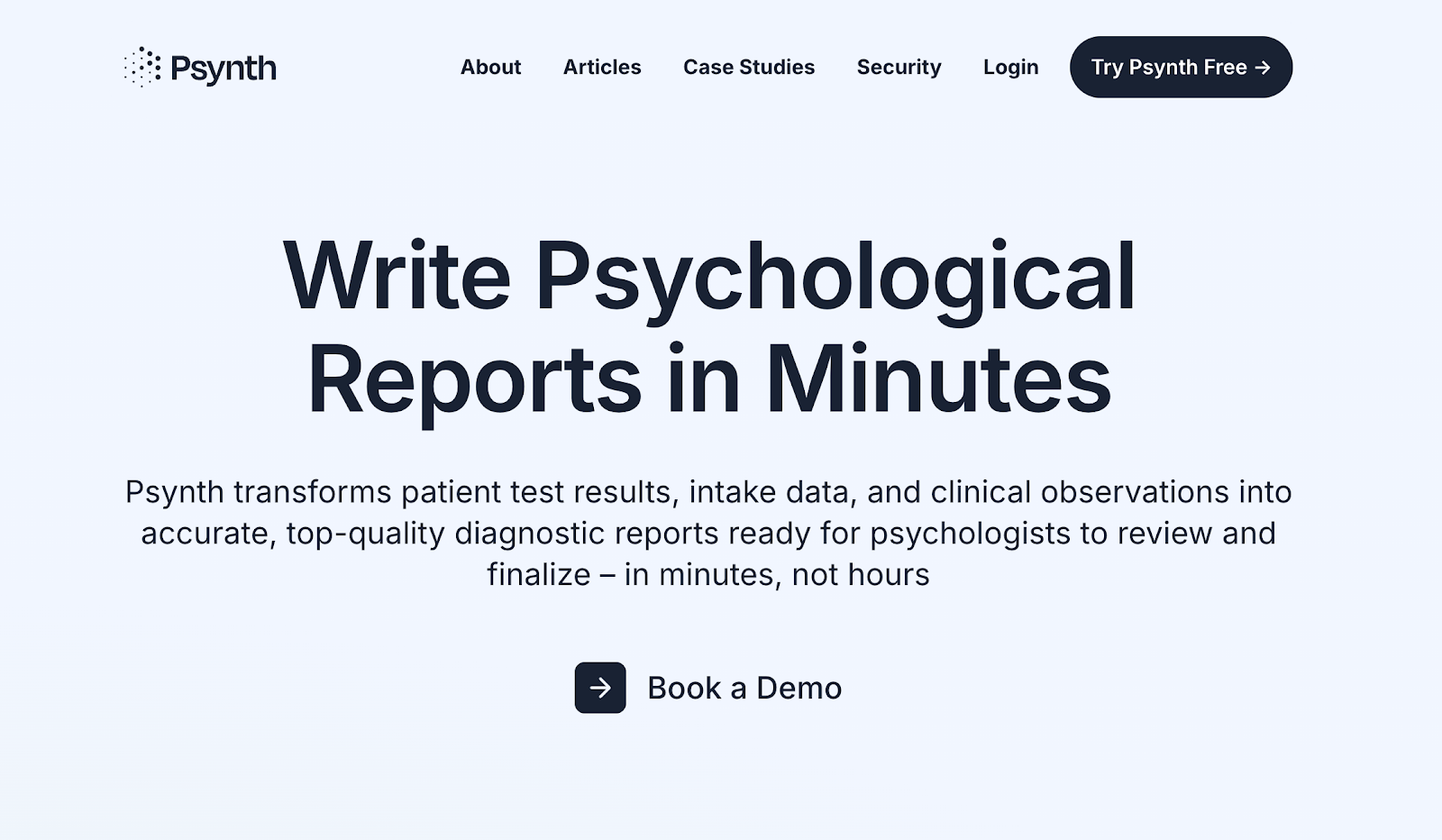
Psynth works beside your EHR to close that gap. It uses AI to transform test results, intake data, and clinical observations into high-quality reports in minutes.
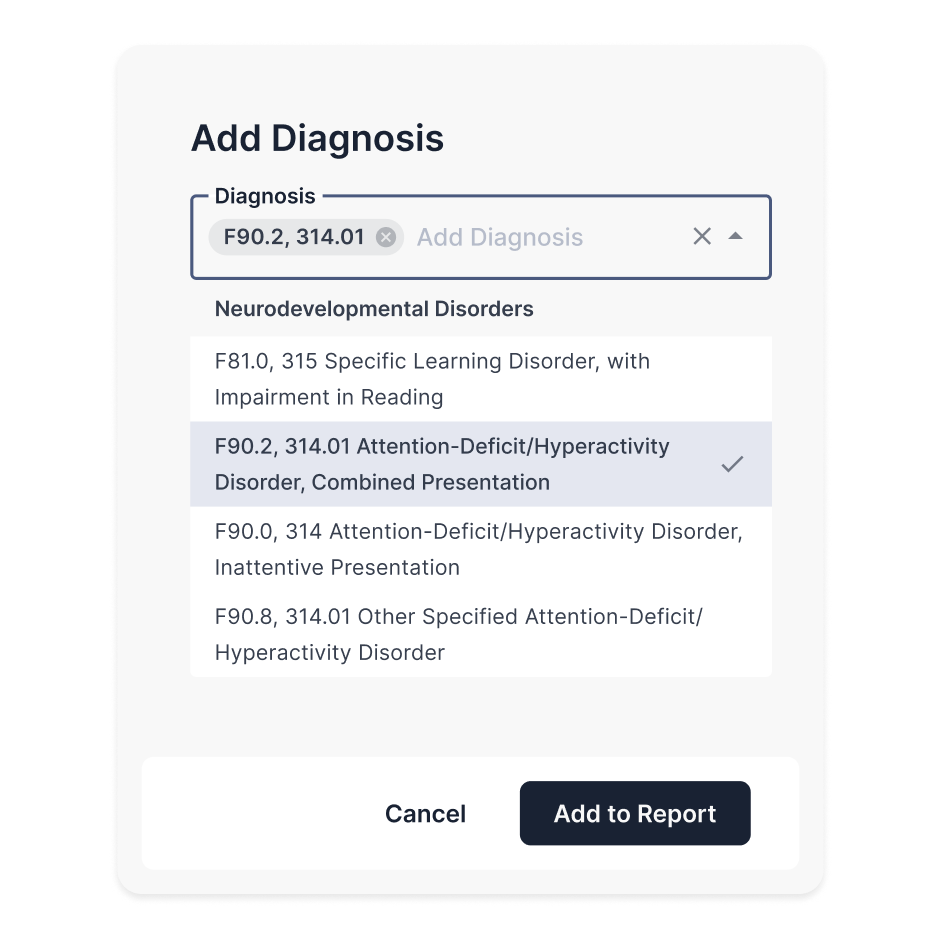
Psynth lets you edit any section using your own words or the AI-assisted prompts. Then, it automatically reflects changes and adjusts report formatting for quick revisions.
The software also runs quality control checks that flag inconsistencies or missing information for your review.
It even provides evidence-based findings and clear explanations to help you diagnose with confidence.
By cutting report time from several hours to less than 45 minutes, Psynth reclaims evenings and weekends. You can cater to more patients, shorten wait times, and focus on clinical analysis rather than administrative tasks.
Try Psynth for free today to transform your reporting workflow!
Frequently Asked Questions
Do EHR systems write diagnostic reports for me?
No. EHRs store and organize clinical information, and some can assist with notes or documentation, but they do not generate diagnostic report narratives from assessment results, intake data, and supporting records. Dedicated report-writing tools such as Psynth are designed for that workflow.
What’s the difference between an EHR and practice-management software?
An EHR primarily stores clinical records such as diagnoses, notes, treatment plans, and patient history. Practice-management software focuses on administrative work such as scheduling, billing, reminders, and payments. Many behavioral-health platforms combine both.
Do I need an EHR if I’m a solo practitioner?
Often, yes. An EHR can help a solo practitioner maintain organized records, document care, schedule appointments, bill clients or insurers, and communicate securely. The right choice depends on the practice’s clinical, legal, billing, and privacy requirements.
Can I switch EHR systems without losing client records?
Usually, but migration requires planning. Before switching, confirm which records, attachments, billing data, and audit history can be exported; what formats the new system accepts; who handles the transfer; and how long both systems must remain available for legal or continuity-of-care needs.
See Psynth work in real time
We’ll demo an end-to-end report writing process and answer any questions along the way. (Yes, it’s so quick, we can get through it all during a single call.)