Ambient Listening for Psychologists: When an AI Note Taker Stops Hearing, It Should Tell You
See how Psynth Ambient Listening helps psychologists monitor recording health, recover interruptions, flag capture gaps, and review AI-drafted notes.

An AI note taker should never leave you guessing whether it heard the session. Psynth Ambient Listening is designed for psychologists who need an editable draft from an assessment conversation—and need to know when the capture behind that draft was interrupted, incomplete, or ready for review.
See Ambient Listening in Psynth
Book a demo
What is ambient listening in healthcare?
Ambient listening uses audio from a clinician-patient conversation to create a transcript and draft clinical note for clinician review. It is a documentation aid, not a clinician or an autonomous medical record. Its value depends on what was captured, whether missing portions are visible, and whether the clinician can correct and approve the result.
For assessment-focused psychologists, that last point matters. An intake interview, feedback conversation, or collateral discussion can contain details that are nuanced, conditional, and clinically important. A polished draft cannot restore audio that was never captured. Nor should fluent prose make an incomplete session look complete.
Psynth Ambient Listening starts with a simpler standard: confidence in the capture before confidence in the draft. It helps you check the setup, observe capture while the session is underway, recover from interruptions where possible, and clearly flag gaps that remain. The resulting note is still a draft. Your professional judgment remains responsible for what enters the clinical record.
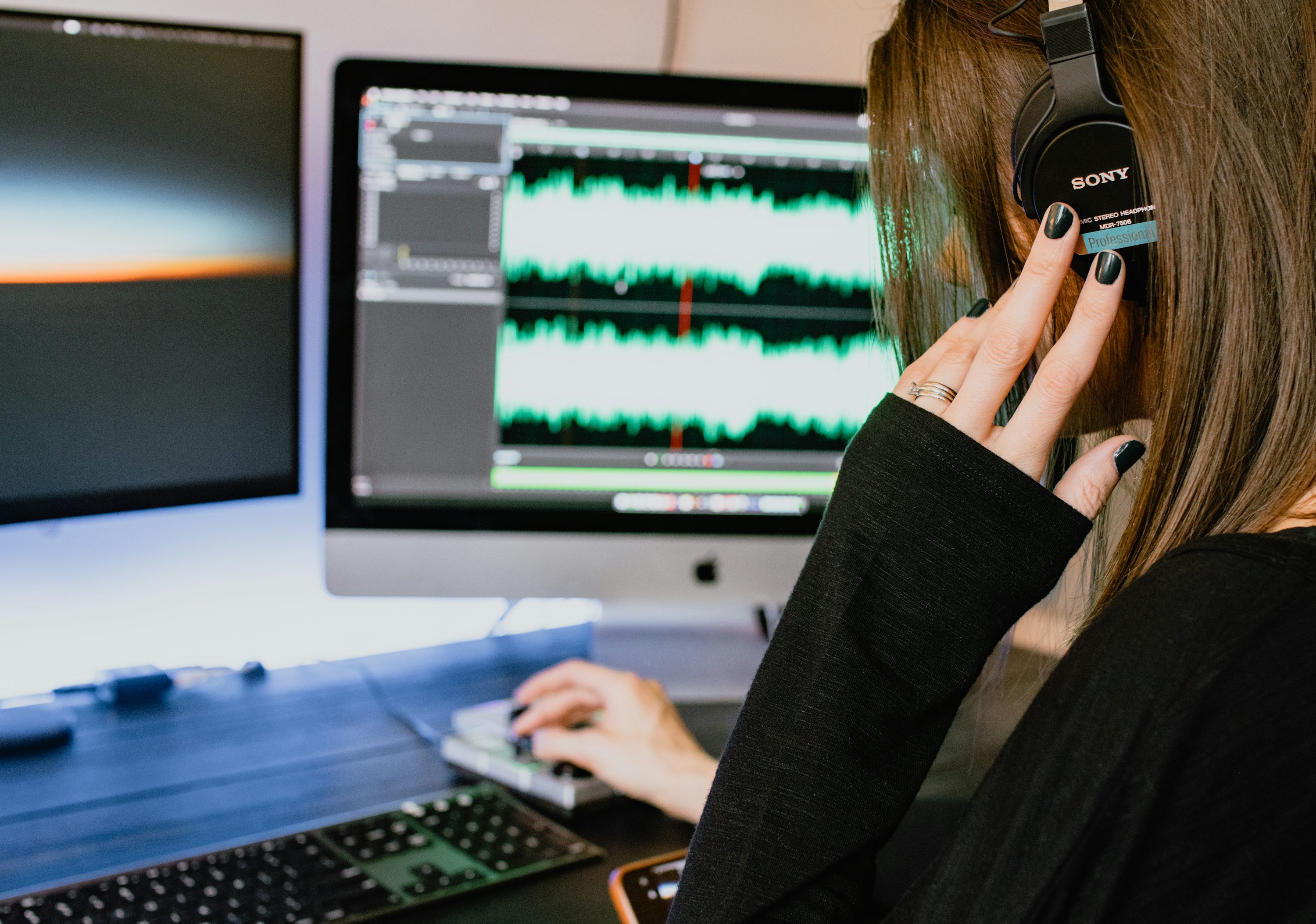
A note can sound complete even when the capture was not
Ambient documentation can be useful without being infallible. In a 2026 JAMA Network Open simulated cross-specialty study, 16 clinicians evaluated two ambient tools across four medical specialties—not psychology. Ratings were highest for succinctness and lowest for thoroughness, and technical reliability affected which tool clinicians preferred. The study did not evaluate Psynth, and its simulated medical encounters should not be treated as evidence about psychological assessment. It does, however, reinforce a practical lesson: a concise draft is not enough if the underlying capture is uncertain.
That is why capture health deserves a place in the workflow, not a footnote after the note appears. When a microphone disconnects, a source goes quiet, a browser is muted, or a connection drops, the clinician needs a signal while there may still be time to respond. If a portion cannot be recovered, the record should say so.
Before the session: confirm that Psynth is ready to hear it
The best time to discover the wrong microphone is before a client begins sharing meaningful information. Psynth guides a pre-session check so you can choose the intended microphone and see whether input is reaching the app. A live level indicator gives a plain-language confirmation that audio is detectable; it is not a promise that every word will be intelligible.
You can also set the expected number of speakers. That gives the session a useful starting context for speaker handling, especially when an assessment interview includes a parent, caregiver, interpreter, or another participant. It is not a substitute for review. Names, roles, and attribution still need your attention after the conversation.
Preparation also includes consent. Obtain the consent and use the notice process appropriate to your clinical setting, applicable law, and professional obligations before recording begins. Make clear what is being captured and how you will use the resulting draft. A client who does not consent should have a workable non-recording path to care.
If Psynth cannot confirm that audio can be saved, do not treat that as a minor warning to ignore. Resolve the setup first, or document through your ordinary workflow. The aim is not to make every session dependent on software. It is to avoid beginning an ambient session on a silent or unreliable source.
During the session: make capture health visible
Once an assessment conversation is underway, your attention belongs with the person in front of you—not with a hidden recording process. Psynth keeps a visible capture-health status and live input signal on screen so you can see whether it is still receiving audio. The status is designed to change when capture changes.
Psynth watches for conditions that can interrupt or undermine capture, including a disconnected microphone, an unexpected stop, muted input, sustained silence, or a telehealth audio-source problem. When it detects an issue, it provides a clear alert and practical recovery guidance rather than leaving you to infer what happened from an empty note later.
Where it can, Psynth attempts to restore microphone capture automatically before asking you to troubleshoot. Built-in help can guide you through common problems such as microphone permissions, Bluetooth or USB disconnection, silence, and an interrupted source. The point is not to promise that an interruption will always disappear. It is to shorten the gap between a problem and an informed response.
The recording workflow is also designed to handle brief disruptions. Psynth protects an active session from an unrelated inactivity logout, helps keep the screen awake during capture, and can resume the path to saving and processing after an interruption such as a short connection loss, reload, or service update. You can see when the session is saving or processing, and Psynth warns you before you leave while audio is still being saved.
These safeguards are deliberately unglamorous. They are also consequential. A system that quietly stops hearing an assessment conversation puts the clinician in the worst position: looking at a confident-looking draft without knowing what it missed.
If capture changes, the interface should change too.
After the session: recover what you can, disclose what you cannot
Some interruptions can be recovered. Others cannot. Psynth is designed to distinguish the two rather than smooth both into the same reassuring result.
If the session has an interruption, Psynth makes the capture gap visible in the session record and in the draft note. If no speech was captured, that state is shown plainly. This is not an attempt to judge the clinical importance of every missing moment. It is a cue for you to decide what needs to be reconstructed, checked against your recollection, documented separately, or handled through your usual clinical process.
This disclosure matters because omission is not neutral. A draft created from only part of a conversation may still contain useful structure, but it should not imply that it represents the whole encounter. Psynth does not fill a known gap with invented continuity. It shows you that there was a gap and leaves the judgment with you.
When audio has been captured, Psynth can turn the available conversation into an editable draft note. You can return to the stored transcript to retry note creation without recording the session again. That can be useful when processing was interrupted or when you want to change the note approach after the fact. It does not remove the need to review whether the available transcript reflects the clinically important parts of the encounter.
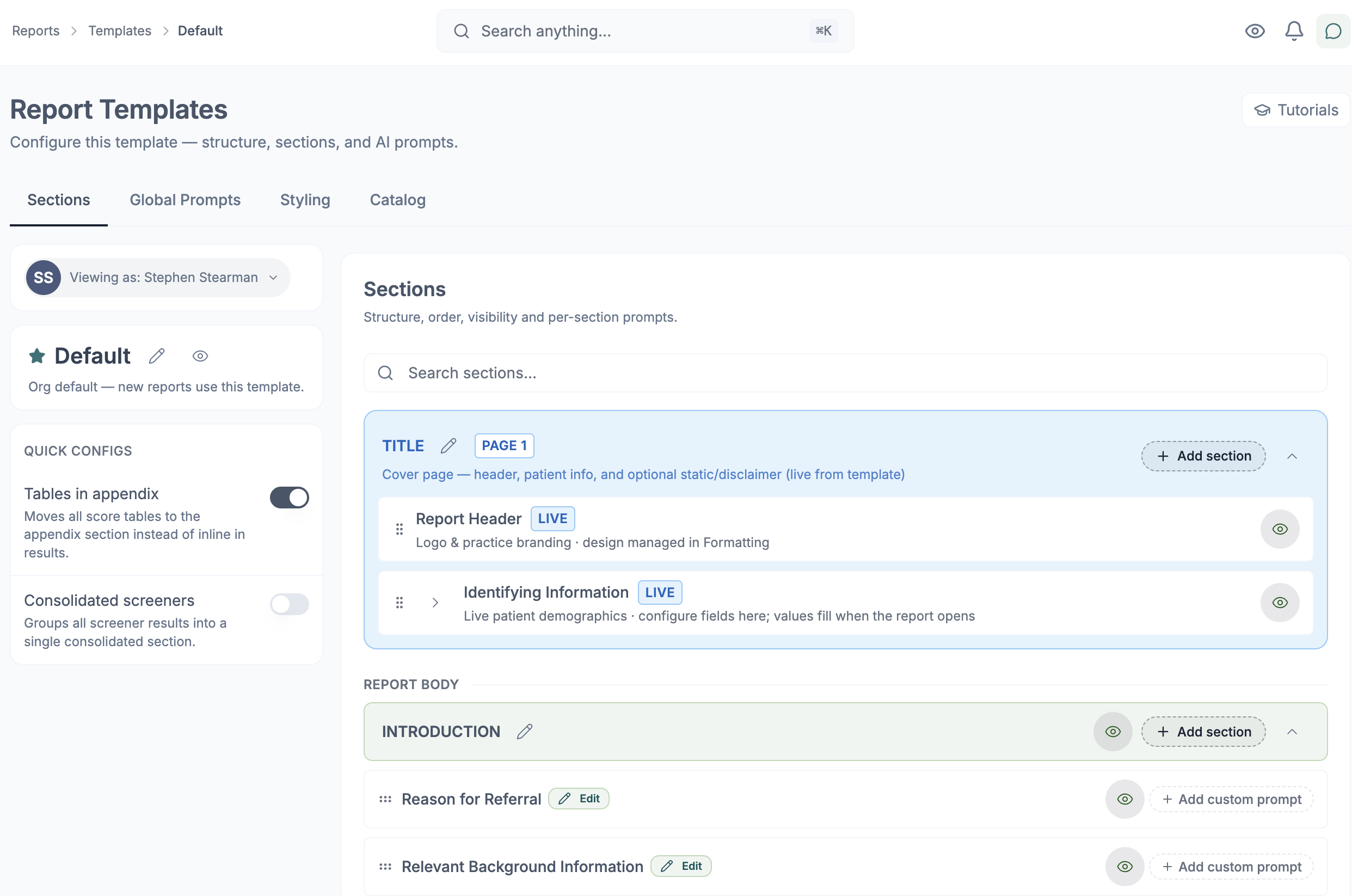
The clinician controls the draft—not the other way around
A useful ambient workflow should make correction actionable. In Psynth, the generated note remains editable. You can revise the draft, use an organization template where one is available, or give a plain-language instruction when regenerating it. You can correct speaker names or roles and apply those corrections to a regenerated note.
That is particularly important in assessment work, where the difference between a clinician’s observation, a caregiver’s report, and a client’s own account can change how a statement should be represented. Speaker correction can improve the next draft, but it does not certify the interpretation of the conversation. Read the revised output with the same professional care you would apply to any draft.
Psynth also presents generated documents as material for review. It does not diagnose, interpret test results for you, or autonomously finalize a clinical record. The clinician remains responsible for checking the transcript and note, resolving ambiguity, making edits, approving the final documentation, and using it appropriately.
Where it fits your workflow, a reviewed ambient draft can become one input among the materials you organize in Psynth for clinician-controlled assessment work. It can help preserve the context of a conversation alongside other assessment materials. Psynth is not positioned as a replacement for an EHR or for the clinical judgment required to synthesize an evaluation.
Use the right capture route for the encounter
Not every assessment conversation begins in the same place. Psynth can support an in-person microphone capture, telehealth capture in supported setups, and upload of prerecorded audio. Before using a route for a clinical session, confirm the current setup guidance and make sure the capture source is appropriate for the encounter.
For prerecorded audio, Psynth checks uploaded files before processing, including file validation and malware scanning. That makes an upload a practical option for audio already captured through an approved process; it does not change your consent, confidentiality, review, or recordkeeping responsibilities.
For telehealth, verify that the intended audio source is active before the session and watch the capture-health signal as the conversation proceeds. The particular platform, device, participants, and local setting can all affect what is captured. Do not infer universal compatibility from an ambient-note workflow.
For practices: standardize the workflow without flattening clinical judgment
Ambient documentation becomes an organizational question as soon as more than one clinician uses it. A practice may want every draft to begin from an approved structure without allowing every member to rewrite the shared template.
Psynth lets authorized template managers publish organization-wide note templates, set shared defaults, and lock master templates against member edits. Published templates remain available to clinicians as a consistent starting point, while granular role-based permissions keep template administration with the appropriate people. The lock applies to the shared template—not to the clinician’s responsibility to review and adapt each patient-specific draft.
Consistency should not become forced sameness. Assessment practices work with different referral questions, interview formats, families, schools, and collateral sources. A template can guide organization; it cannot decide what belongs in a clinically defensible note. Practices should establish their own consent process, review expectations, and rules for handling disclosed capture gaps before adopting any ambient workflow.
Questions to ask any ambient AI note taker
Before you introduce an ambient tool into assessment documentation, ask questions that go beyond the quality of a demo note:
- How do I know the microphone is working before the session—and while it is underway?
- What happens after a reload, a dropped connection, a disconnected device, or a failed audio source?
- Does the session record disclose missing capture, or does the draft simply continue as if nothing happened?
- Can I correct speaker names and roles, then regenerate the affected draft?
- What do I need to know about consent, opt-out, and the non-recording alternative in my practice?
- Which capture routes and devices are supported for my actual assessment workflow?
- What audio, transcript, and draft information can I review before I approve the clinical record?
- How does the workflow fit alongside—not pretend to replace—my established documentation and assessment process?
The answers should be concrete. “Accurate,” “secure,” and “easy” are not enough when the source material is a sensitive clinical conversation.
What Ambient Listening still asks you to do
Ambient Listening can reduce the friction between a conversation and a draft, but it does not transfer accountability. Before relying on any generated note, you should:
- obtain appropriate consent and honor a client’s decision not to be recorded;
- confirm the capture setup and respond to any capture-health alert;
- review speaker attribution and every disclosed capture gap;
- compare clinically important details with your recollection, transcript, and other source material;
- edit and approve the note before it becomes part of the clinical record; and
- maintain the documentation practices your setting, licensure, payer, and professional obligations require.
That boundary is part of the product story, not a disclaimer to hide at the bottom. In assessment-focused psychology, the aim is not an autonomous note. It is a clearer route from a conversation to a clinician-reviewed draft—one that is honest about what it heard and what it did not.
Frequently Asked Questions
What is ambient listening in healthcare?
Ambient listening uses audio from a clinician-patient conversation to create a transcript and draft clinical note for clinician review. It is a documentation aid, not a clinician or an autonomous medical record. Its value depends on what was captured, whether missing portions are visible, and whether the clinician can correct and approve the result.
How is an ambient AI note taker different from transcription?
Transcription turns spoken audio into text. An ambient AI note taker can use the available conversation to create an editable draft note, but the clinician still needs to review the transcript, correct the draft, address any capture gaps, and approve the final record.
What does Psynth check before an ambient session begins?
Psynth guides a pre-session microphone check, shows whether audio input is detectable, and lets you set an expected number of speakers. You should also confirm consent and use the capture route that is appropriate for the encounter.
What happens if a microphone or connection fails during a session?
Psynth shows capture-health status, detects common interruptions, attempts microphone recovery where possible, and provides recovery guidance. It is designed to handle brief disruptions, but it does not promise that every interruption can be recovered.
How does Psynth show that part of a session was not captured?
Psynth makes a capture gap visible in the session record and generated draft note. If no speech was captured, it shows that state plainly so the clinician can decide what needs to be checked, reconstructed, or documented through the usual workflow.
Can I correct speakers and regenerate an AI-drafted note?
Yes. You can correct speaker names or roles and apply those corrections when regenerating a draft note. You can also edit the draft directly, but you remain responsible for reviewing the revised note before use.
Can Psynth capture telehealth sessions or process prerecorded audio?
Psynth supports telehealth capture in supported setups and can process prerecorded audio that has been uploaded through an appropriate workflow. Confirm the current setup guidance, consent process, and capture source before using either route for a clinical session.
Does Psynth Ambient Listening replace clinician review or an EHR?
No. Psynth generates an editable draft for clinician review and can fit alongside a clinician-controlled assessment workflow. It does not replace clinician judgment, approval, established documentation practices, or an EHR.